Just For The Fun Of It — retro Commodore banner

⌂Videos & Tutorials

A personal collection of retro computers, games, books and memorabilia.

CHALKBOARD POWERPAD
Videos & Tutorials

CHALKBOARD POWERPAD

Retro computing

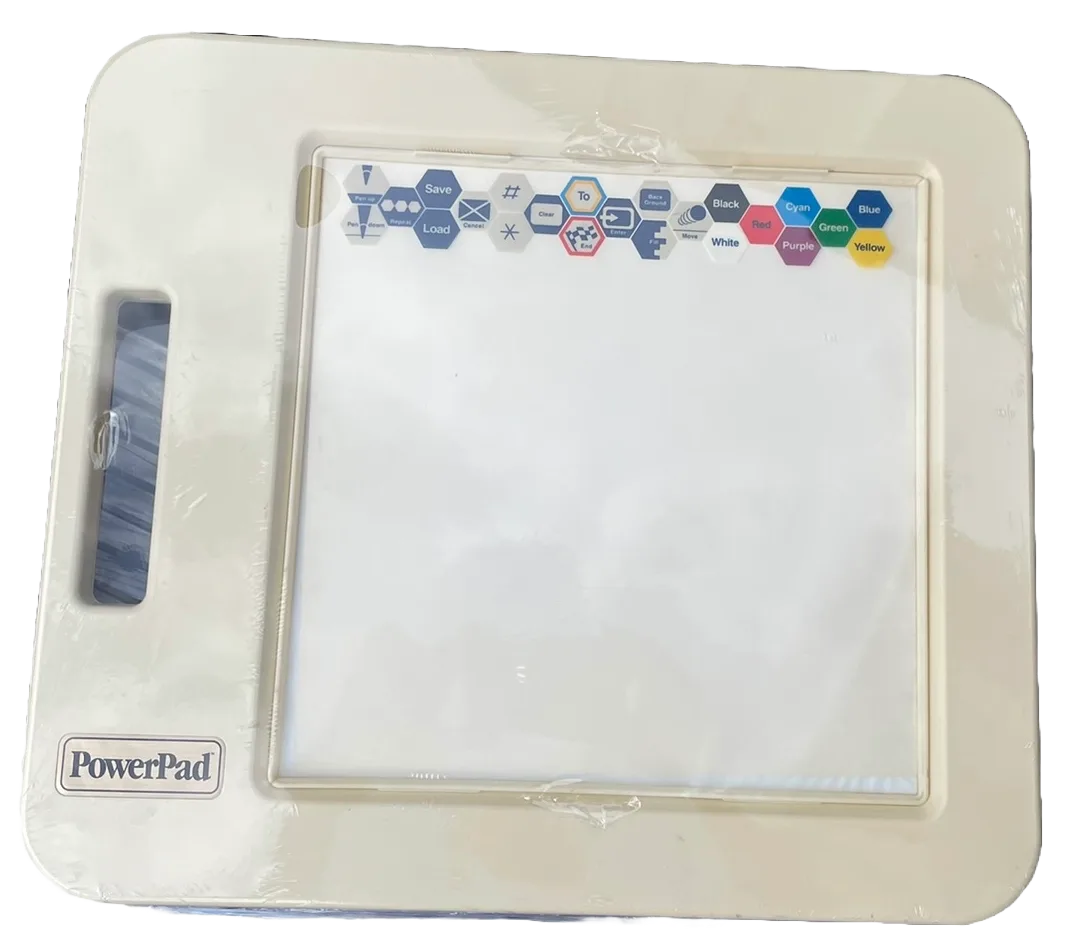
This video is about fixing a Chalkboard Powerpad. This board was an early digitizer tablet. It came out around 1983. It was available for several 8-bit computers of that era. Like the Commodore 64 and the Atari 800.
The one I found did not function properly. In this video I showed how I cleaned it to fix it.

COMMODORE 64 - TIC TAC TOE - COMMODORE BASIC PROGRAM
Videos & Tutorials

COMMODORE 64 - TIC TAC TOE - COMMODORE BASIC PROGRAM

Retro computing

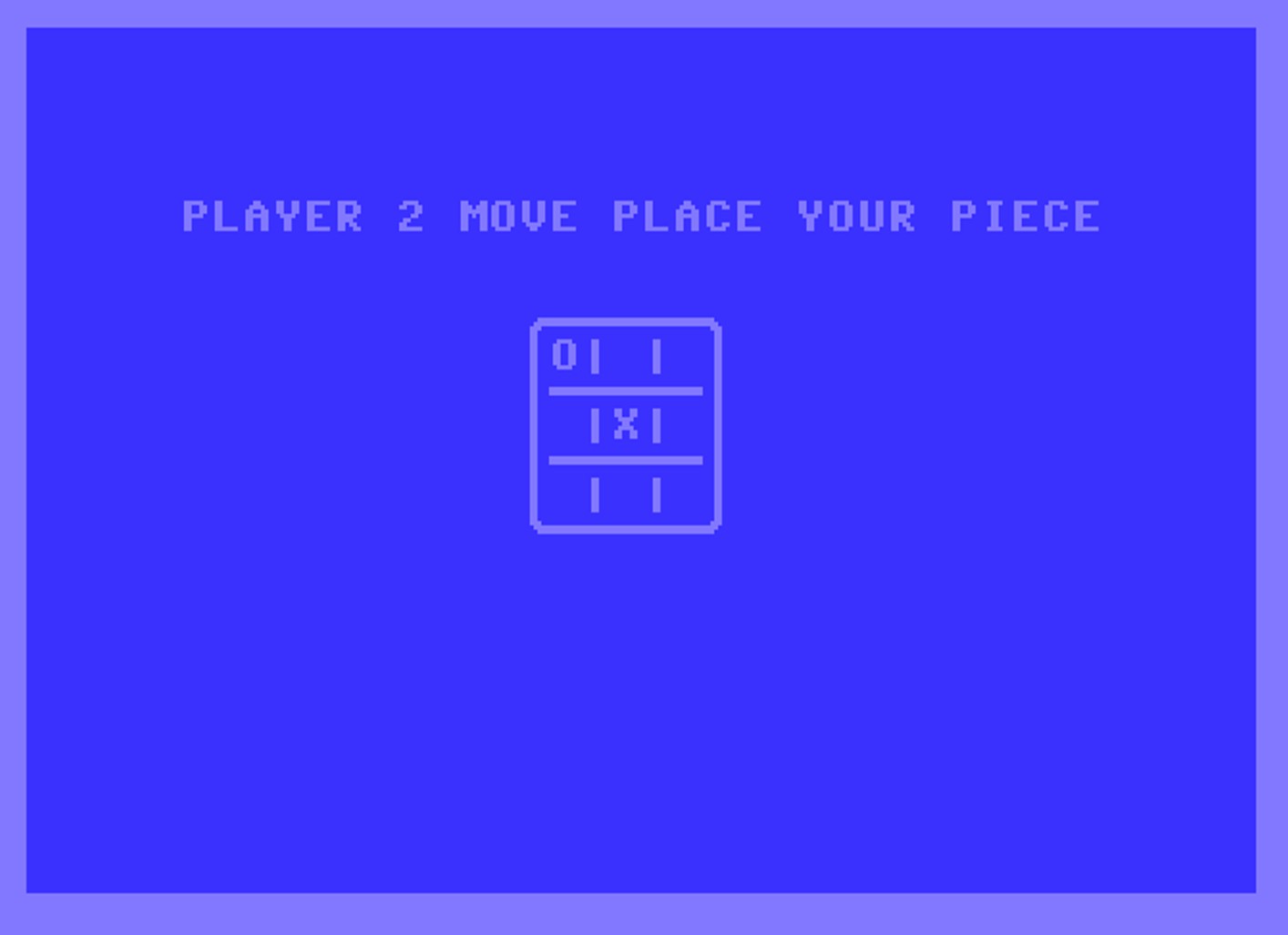
This time the build of a Basic program for Tic Tac Toe.

COMMODORE 64 BASIC - CREATED A EXAMPLE DISK IMAGE WITH BASIC PROGRAMS
Videos & Tutorials

COMMODORE 64 BASIC - CREATED A EXAMPLE DISK IMAGE WITH BASIC PROGRAMS

Retro computing

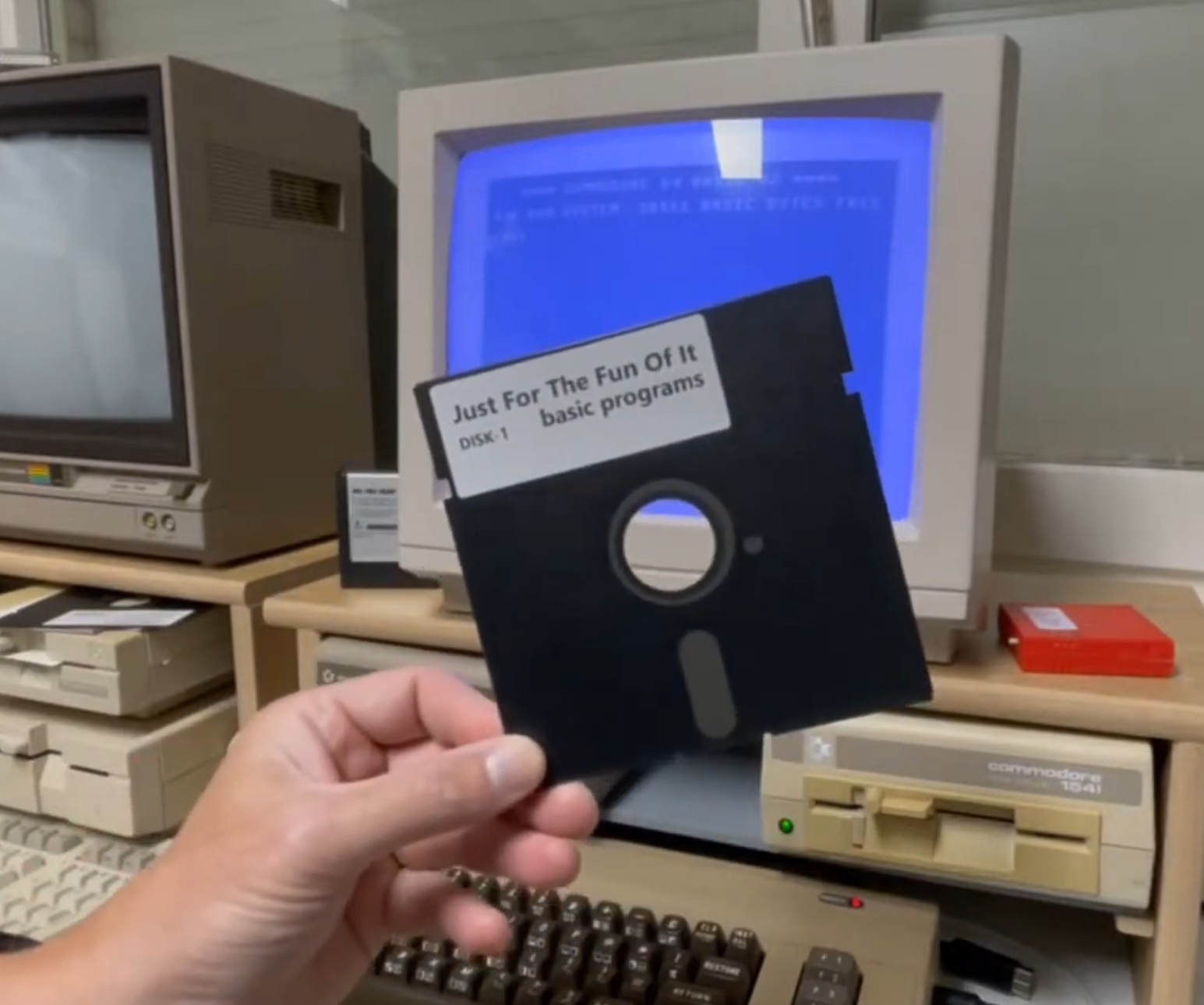
This video I explain how I created a disk image with the basic examples that I have created recently or shown in the videos on this channel before.
The following links are in the video and its is all you need for creating the disk commodore image. If you only want to be able to create a program file from your basic code program you only need the CBM prg studio. See the video for more info.

COMMODORE 64 BASIC - CREATING BIG CHARACTERS
Videos & Tutorials

COMMODORE 64 BASIC - CREATING BIG CHARACTERS

Retro computing

Just a small basic program that reads the characters definitions from the standard character rom and uses the byte and bit values of that definition to create large characters on the screen.

CREATING A MAZE USING COMMODORE 64 BASIC
Videos & Tutorials

CREATING A MAZE USING COMMODORE 64 BASIC

Retro computing

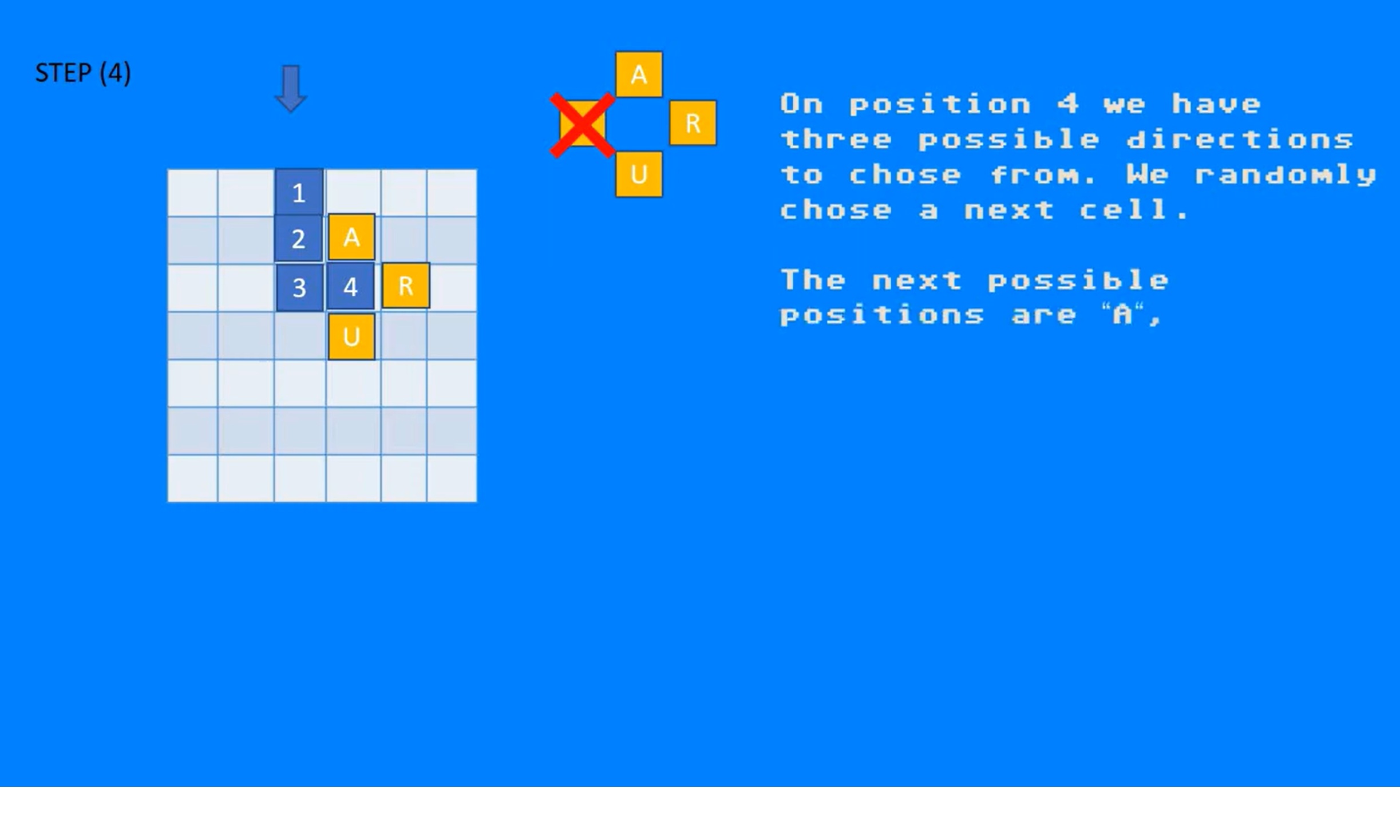
In this video I give some explanation on how to create a random maze using Commodore 64 basic code.

CREATING SPRITES USING EXCEL
Videos & Tutorials

CREATING SPRITES USING EXCEL

Retro computing

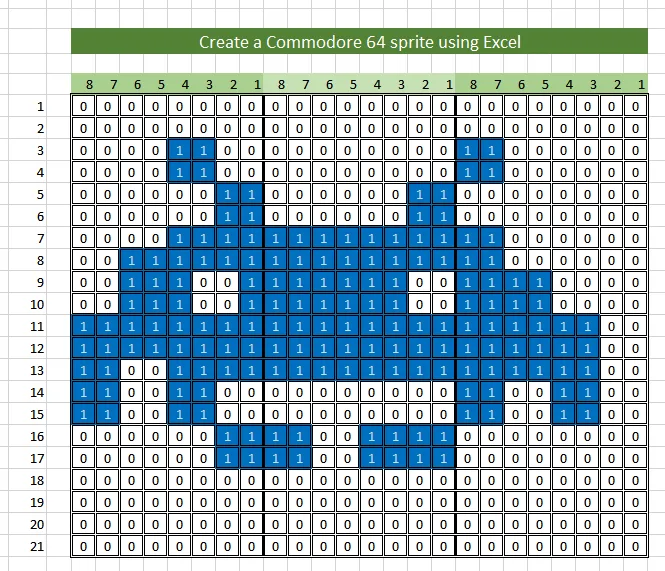
Last weekend I used to work on an Excel worksheet that can be used to create a Commodore sprite. Everybody that started programming sprites on a commodore in de eighties probably started designing sprites, using graph paper.
I myself had no printer at the beginning and certainly not a printer that was capable of printing a raster.
Sprite design tools where not known to me at that time. I knew only the commodore manual, that was included by the commodore computer.
So the only way was taking the graph paper, and draw the sprite raster yourselves, count the cells, draw the lines, and calculate the byte values. This was also the first time I learned to use bits and bytes. Nowadays many online applications and tools for sprite drawing are available that you can use.
Nevertheless I just wanted to create myself, a simple template using Office Excel. I also created a how to do that video.

FIXING A COMMODORE 2001 PET KEYBOARD
Videos & Tutorials

FIXING A COMMODORE 2001 PET KEYBOARD

Retro computing

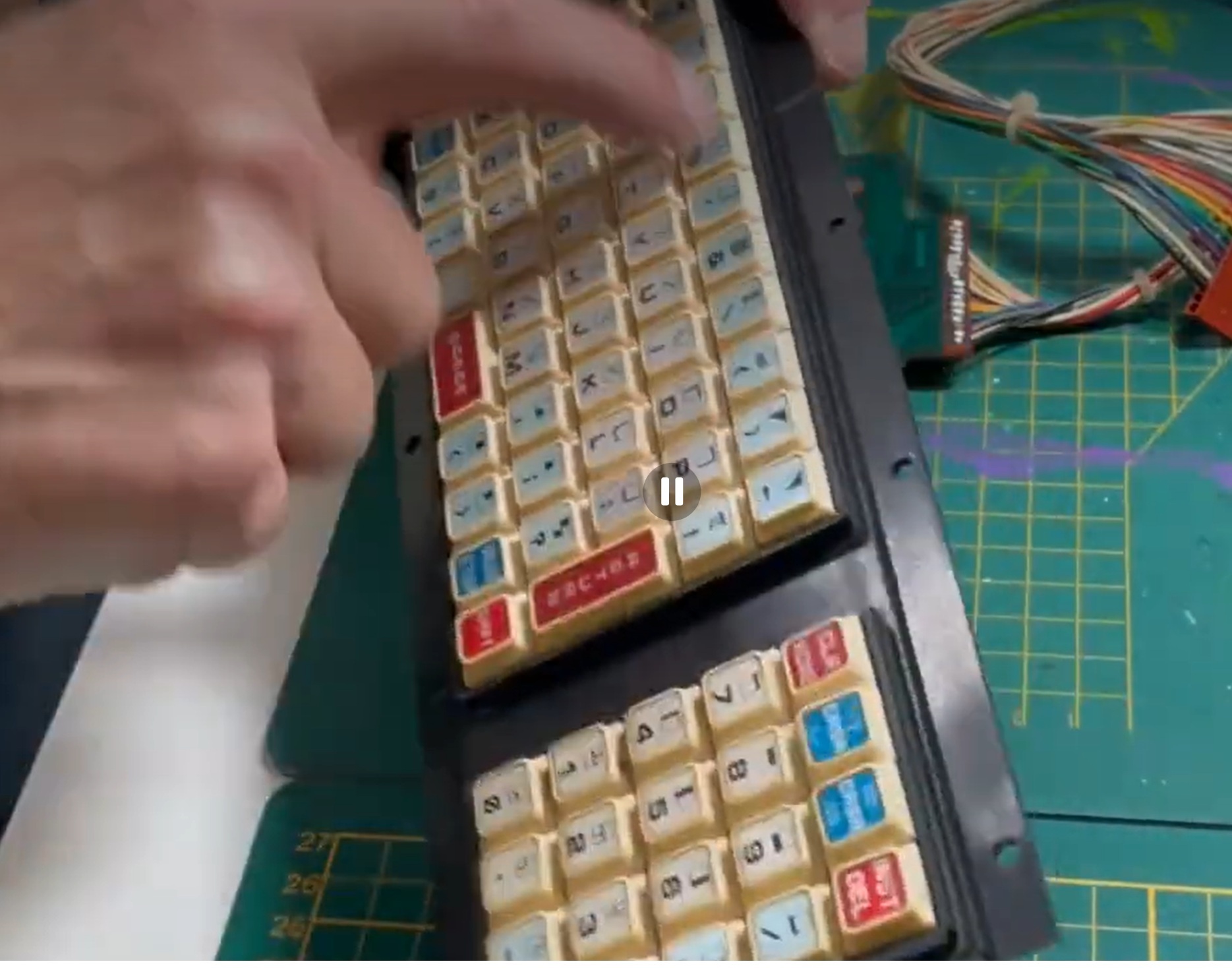
Embedded video content. YouTube video ID: _f-hkZItnxQ.

JUST FOR THE FUN OF IT YOUTUBE CHANNEL
Videos & Tutorials

JUST FOR THE FUN OF IT YOUTUBE CHANNEL

Retro computing

Here you can find the main list of my current youtube.com publications.

PROGRAMMING THE L-GAME
Videos & Tutorials

PROGRAMMING THE L-GAME

Retro computing

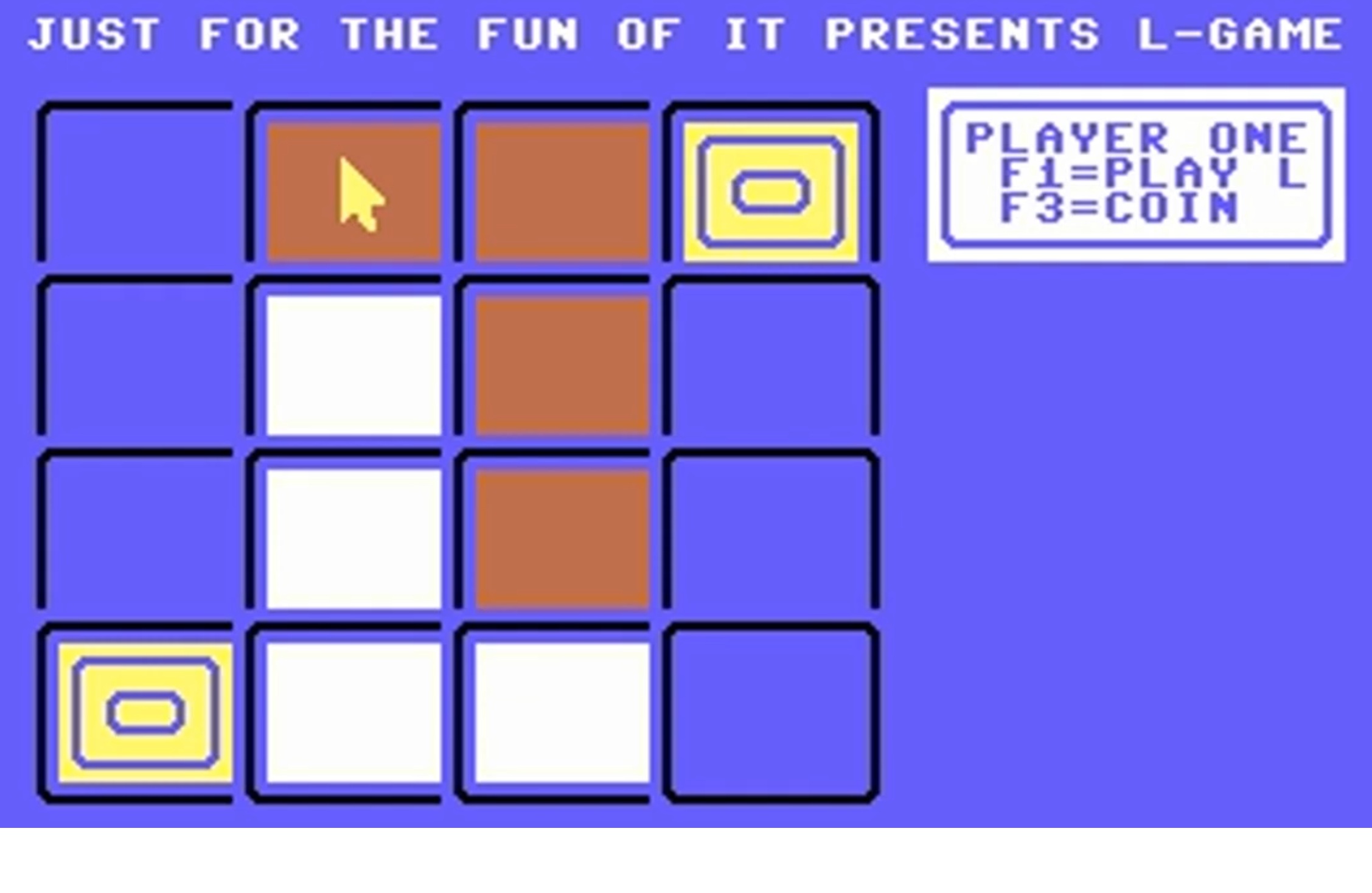
This video is about programming the L-game in Commodore Basic so it can be run on a Commodore 64. In the video I explain the program and the used technique step by step.
You can download the full program and the smaller version that is used to explain the program on my GitHub. See the comments.

The L-Game is a two-player abstract strategy game on a 4x4 grid where each player moves an L-shaped piece and a neutral piece to block the opponent's L-piece, making it impossible for them to move. A player wins by forcing their opponent into a position where their L-piece has no valid squares to move to. On their turn, a player must move their L-piece to a new position (which can be rotated or flipped), and then they may optionally move one of the neutral pieces to any empty square.

REPAIR YOUR GAME BOXES
Videos & Tutorials

REPAIR YOUR GAME BOXES

Retro computing

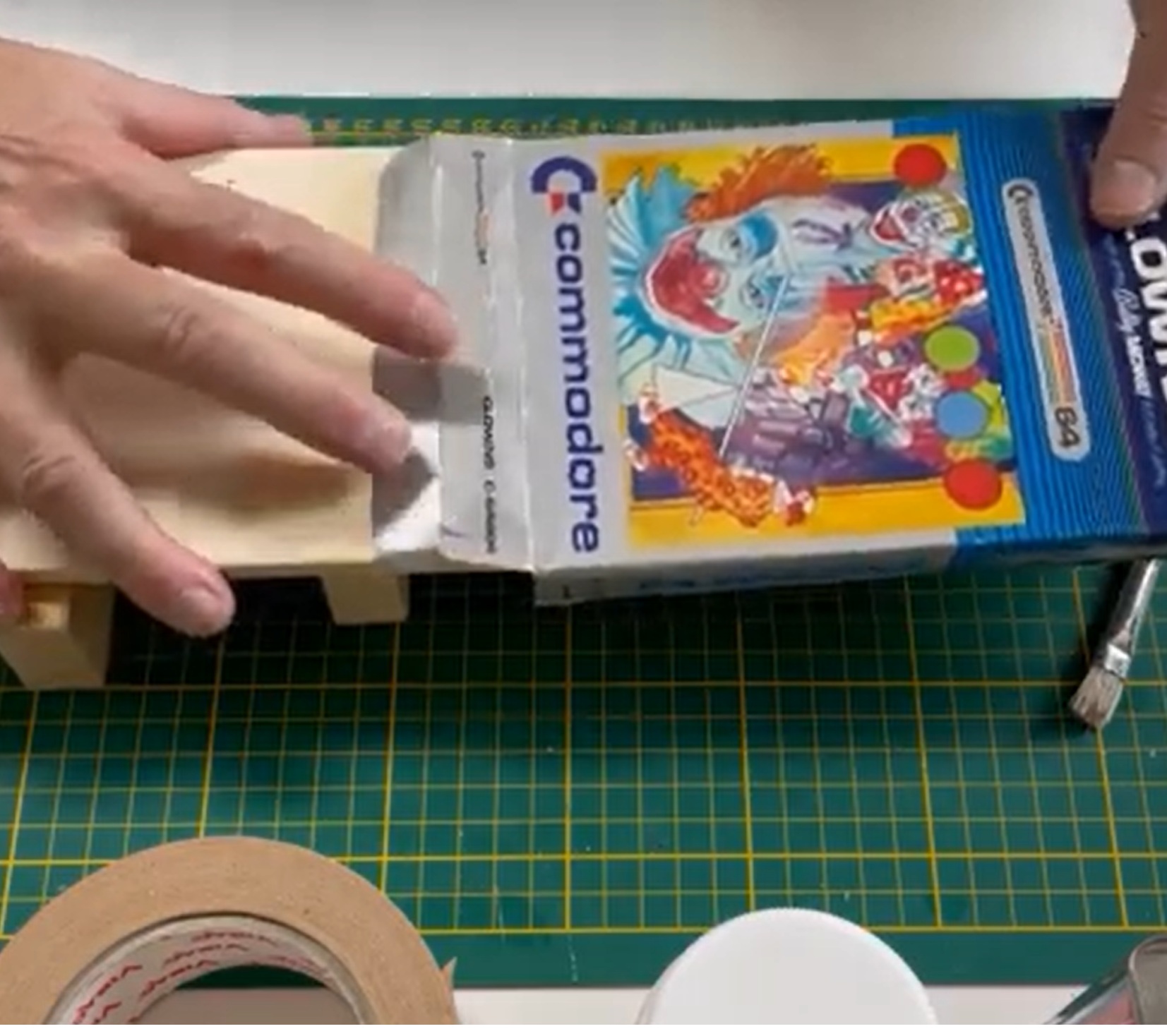
When collecting, I naturally prefer to have the original box associated with the device or program.

Of course, it is often the case that these are somewhat damaged over time. Wrinkled, damaged or with the necessary adhesive tape pieces or stickers.
In this video I show how I improve it without affecting its originality.

VISITING THE HOME COMPUTER MUSEUM IN HELMOND
Videos & Tutorials

VISITING THE HOME COMPUTER MUSEUM IN HELMOND

Retro computing

I visited the Home Computer Museum in Helmond.
So if you are in nearby Helmond in the Netherlands this is a good place to go by for a visit. This video gives a, very short, impression on what is on display there.

YOUTUBE CREATING YOUR OWN VIC-20 CARTRIDGE SLEVES
Videos & Tutorials

YOUTUBE CREATING YOUR OWN VIC-20 CARTRIDGE SLEVES

Retro computing

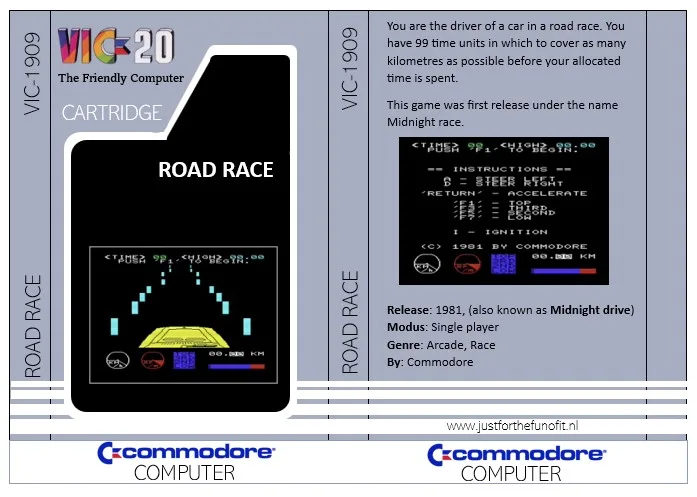
In this video I show you how I create protective sleeves that can be used to wrap around the Commodore VIC 20 cartriges.
This way you can place them on a shelf and directly see which cartridge you have if you don't have the original box.